Best Golf Simulator Projector: The Short-Throw Guide
The best golf simulator projector is a short-throw unit sized to your bay. Why throw ratio beats resolution, plus the 1080p and 4K picks that actually fit.
The best golf simulator projector is a short-throw model sized to your bay, not the one with the biggest resolution number on the box. For most home builds that means the Optoma GT2100HDR at around $1,499 (1080p, the shortest throw ratio in its class) or, if you want 4K and can spend more, the BenQ AK700ST at $2,899. Throw ratio decides whether the image fills your screen from a spot that stays out of your backswing. Resolution is the tiebreaker, not the thing that makes or breaks the build.
| Projector | Price | Resolution | Why you’d pick it |
|---|---|---|---|
| Optoma GT2100HDR | ~$1,499 | 1080p | Shortest throw in its class, fits tight garage bays, HDR support |
| BenQ AK700ST | $2,899 | 4K laser | Golf Mode + Auto Screen Fit, sealed optics, when you want true 4K |

Why throw ratio beats resolution
Throw ratio is how much screen you get per foot of distance from the projector. A standard 1.5:1 projector needs to sit about 15 feet back to fill a 10-foot-wide screen. In a golf bay, 15 feet back is exactly where the golfer stands and where a behind-the-ball radar unit sits, so a standard projector ends up in the swing, throwing a shadow across the ball, or both.
A short-throw projector fills the same screen from a few feet away. Mounted on the ceiling just in front of the screen, or above the tee, it stays clear of ball flight and clear of your club. That is the whole reason golf builds reach for short-throw and not the bright 1080p projector already sitting in the living room.
This is also why the projector decision is downstream of the room. Measure your room dimensions first, because the depth you have decides the throw ratio you need, and the throw ratio decides which projectors are even on the table.
The budget pick: Optoma GT2100HDR
For most home bays, the Optoma GT2100HDR is the one to buy. At around $1,499 it runs 1080p with the shortest throw ratio in its class, which is the spec that actually matters in a tight garage. It supports HDR, and at a normal impact-screen size and viewing distance, 1080p looks genuinely sharp. You are standing eight to twelve feet back hitting a ball, not pixel-peeping a movie.
The 4K pick: BenQ AK700ST
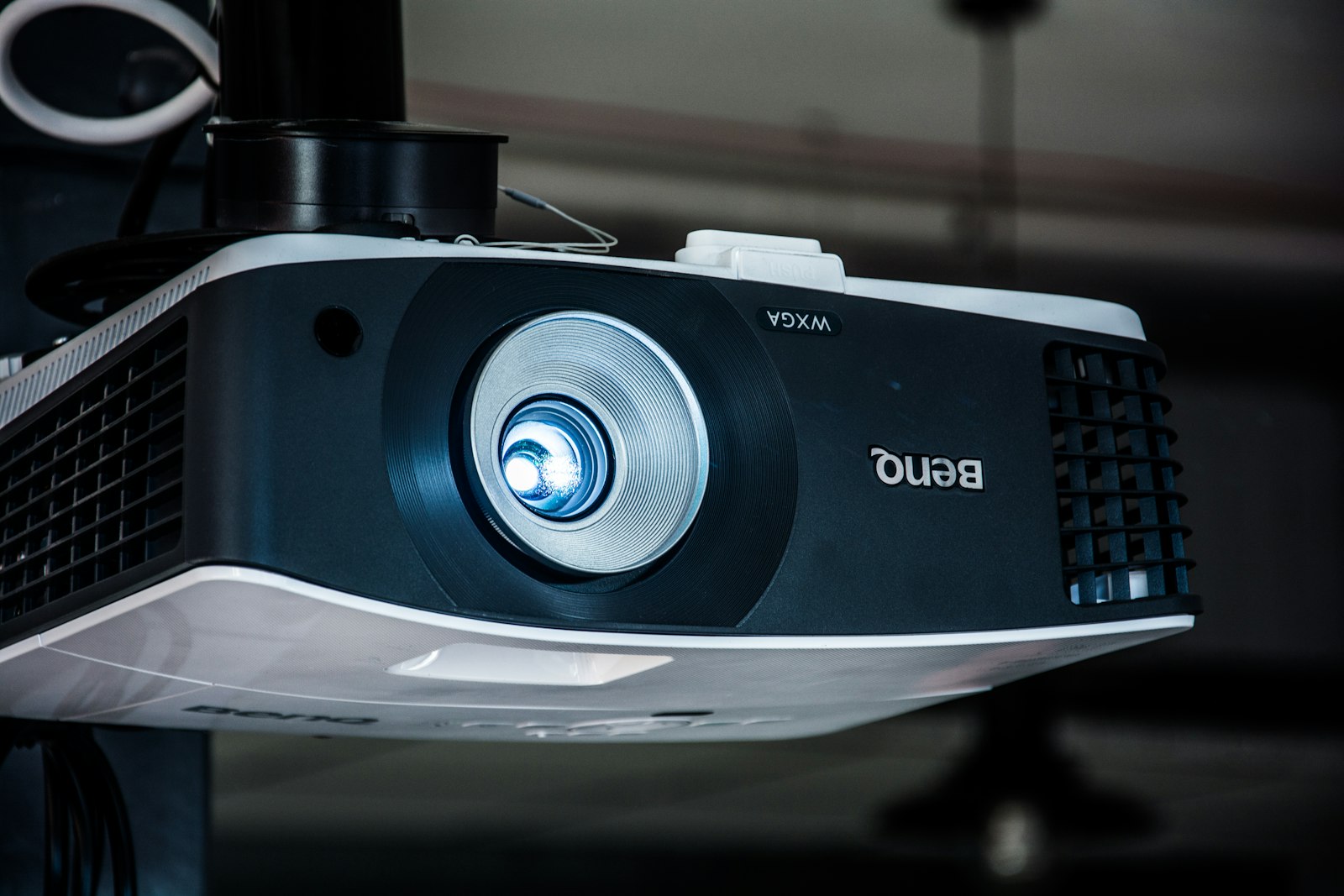
If you want true 4K and a cleaner setup, the BenQ AK700ST at $2,899 earns the jump. It uses a 4K laser light source, adds a dedicated Golf Mode and an Auto Screen Fit feature that squares the image to your screen for you, and its zoom and focus are motorized from the remote. The optics are IP5X sealed, which matters more than it sounds in a room full of mat and net dust. It is the pick when the course visuals are part of the point and you would rather not fiddle with alignment.
Do you actually need 4K?
Mostly, no. On a standard impact screen at normal hitting distance, 1080p is hard to fault, and the $1,400 you save buys a real chunk of your enclosure or mat. 4K earns its keep on larger screens, when you sit closer, or when the bay doubles as a home theater or gaming setup. If the projector is only ever going to show a golf course while you stand ten feet back, the resolution gap is the smallest upgrade in the build.
The settings that matter
Two specs decide how the projector plays, and neither is resolution. Brightness (measured in lumens) sets whether the image holds up with any ambient light. In a dark garage you can get away with less, but 2,500 lumens or more keeps the screen readable if the room is not blacked out. Input lag decides how responsive the swing feels; low lag keeps the on-screen ball reacting the instant you strike. HDR is a nice-to-have on the units that support it, not a requirement.
Get the throw ratio and the mount right first, then the brightness, then worry about resolution. Compare the full field on our projectors page, and once you know the room, our cost configurator will show which projector fits the build you can actually afford.