Best PC for a Golf Simulator: Budget and 4K Builds
GSPro is GPU-bound. An RTX 5060 build (~$1,000) runs 1080p; an RTX 4070 build (~$2,500) drives 4K Ultra. The specs that matter and the ones to skip.
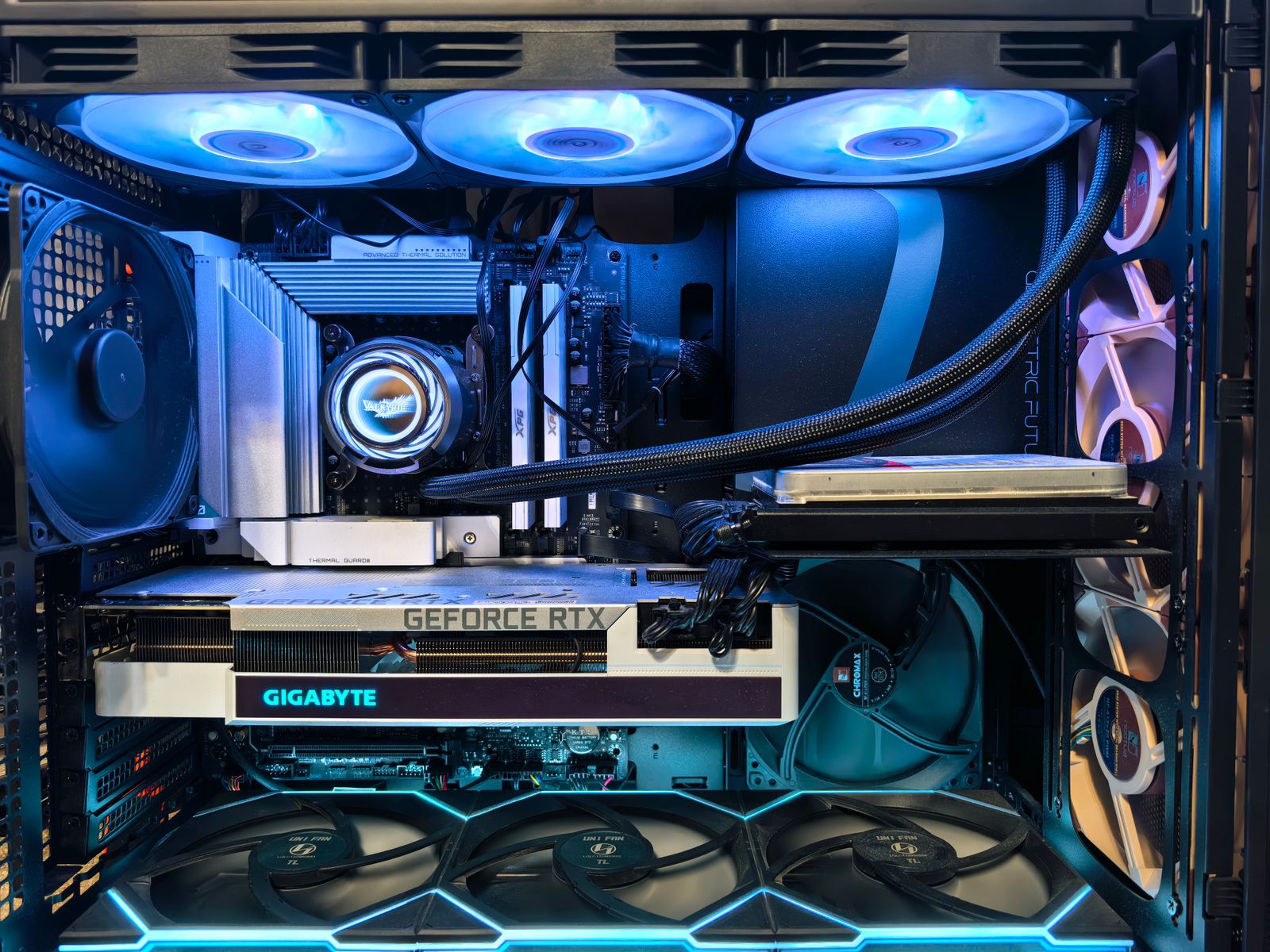
The best PC for a golf simulator is whatever puts the most graphics card in your budget, because sim software is GPU-bound. For 1080p on GSPro, an RTX 5060 build runs about $900 to $1,100 and is all most bays need. For 4K Ultra visuals, step up to an RTX 4070 build around $2,500. Spend on the graphics card, put 16 to 32GB of RAM behind it, and don’t overthink the rest.
| Build | Graphics card | RAM | All-in | Runs |
|---|---|---|---|---|
| Budget | RTX 5060 (8GB, $299) | 16GB DDR5 | ~$900 to $1,100 | GSPro 1080p High |
| Premium | RTX 4070 (12GB) | 32GB | ~$2,500 | 4K Ultra, 60fps |
The one rule: buy the graphics card, the rest follows
Simulator software like GSPro runs on the Unity engine and leans almost entirely on the GPU. That single fact makes PC-buying simple: the graphics card decides your frame rate, and everything else just needs to not hold it back. Don’t spend on a top-tier CPU or flashy case at the expense of the card. Pick the GPU your target resolution needs, then build a sensible machine around it.

The budget build: RTX 5060 (~$1,000)
For most bays, the RTX 5060 build is plenty. The card is $299 with 8GB of GDDR7, and paired with 16GB of DDR5, a 1TB NVMe SSD, and a 550W power supply, it clears GSPro at 1080p High settings reliably. All-in you’re at roughly $900 to $1,100. If your projector is 1080p, and most budget builds are, this machine is correctly matched to it and there’s no reason to spend more.
The 4K build: RTX 4070 (~$2,500)
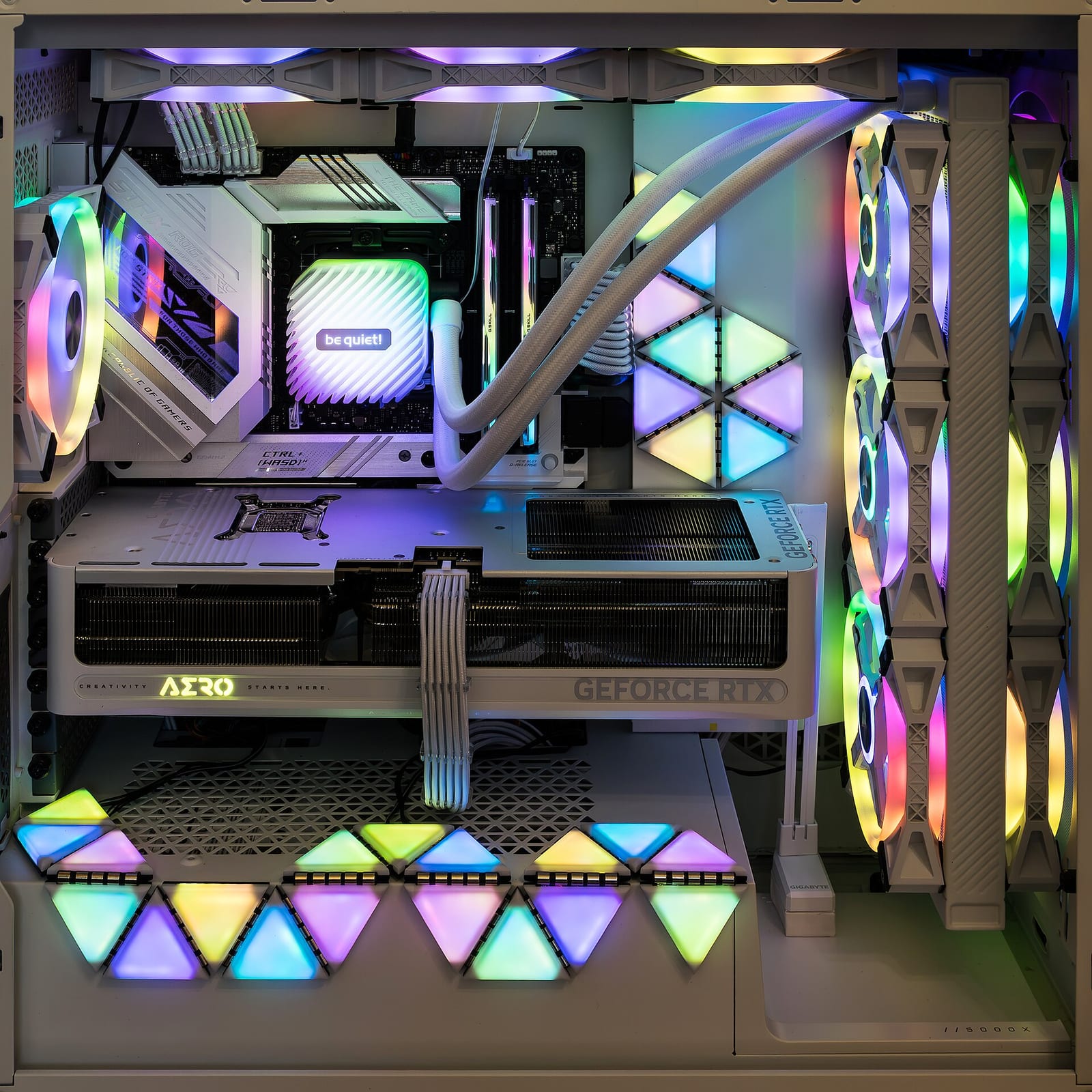
If you’re running a 4K projector and want Ultra settings at 60fps, step up to the RTX 4070 build. The RTX 4070 (12GB) is the community sweet spot; an RTX 4070 Super or RTX 3080 is the practical minimum for 4K Ultra. Pair it with 32GB of RAM, because you’ll be running the launch-monitor app and the sim software at the same time, and a 1TB or larger NVMe (2TB if you want a big course library local). Pre-built options land around $2,519.
How much RAM and storage do you need?
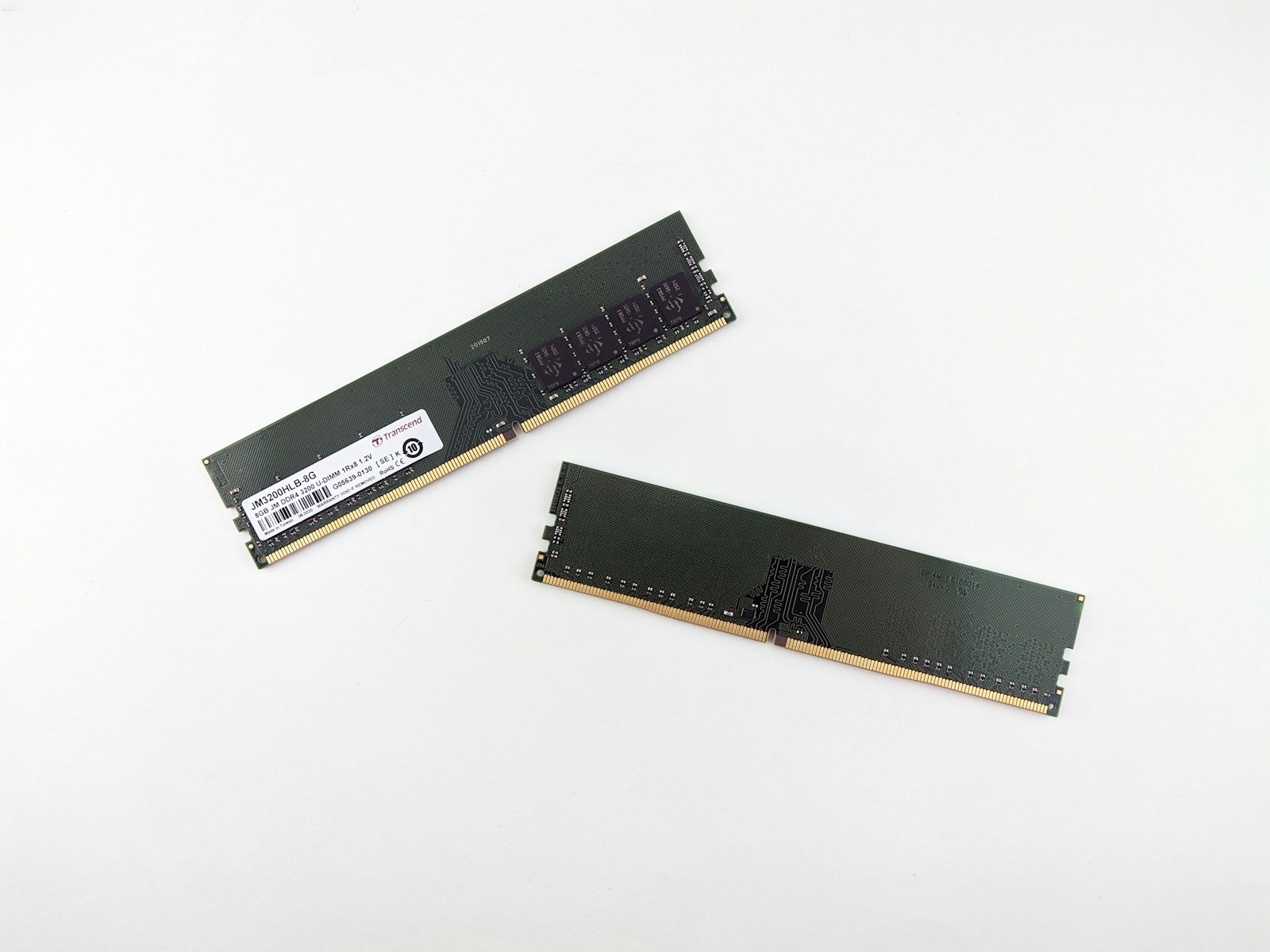
16GB is the floor and fine for the budget build. Move to 32GB if you’ll run a launch-monitor app alongside the sim, which the premium builds assume. For storage, a 1TB NVMe SSD is the minimum, and 2TB is worth it once you start downloading GSPro’s large LIDAR-scanned course library locally rather than streaming pieces of it. Neither RAM nor storage is where the performance comes from, so buy enough and move on.
Can you use a laptop?
Yes, if it has a real discrete GPU. A gaming laptop with an RTX card runs a sim fine, and the under-$2,000 build leans on exactly that, a laptop you may already own, to skip the PC cost entirely. What won’t work is a thin ultrabook or an integrated-graphics machine. Desktops still give more GPU per dollar and cool better under long sessions, so if you’re buying new for a permanent bay, build a tower.

Match the PC to the projector and software
The mistake to avoid is a mismatch. A 4K projector fed by a budget GPU that only holds up at 1080p wastes the projector; a 1080p projector paired with an RTX 4070 wastes the card. Decide your resolution first, since that flows from the projector and your software, then buy the graphics card that matches it. Our cost configurator keeps the PC in step with the rest of the build so the tiers line up.