Golf Simulator Room Dimensions: Ceiling, Width, Depth
How much room do you need for a golf simulator? The verified ceiling, width, and depth minimums, and how your launch monitor changes the depth math.
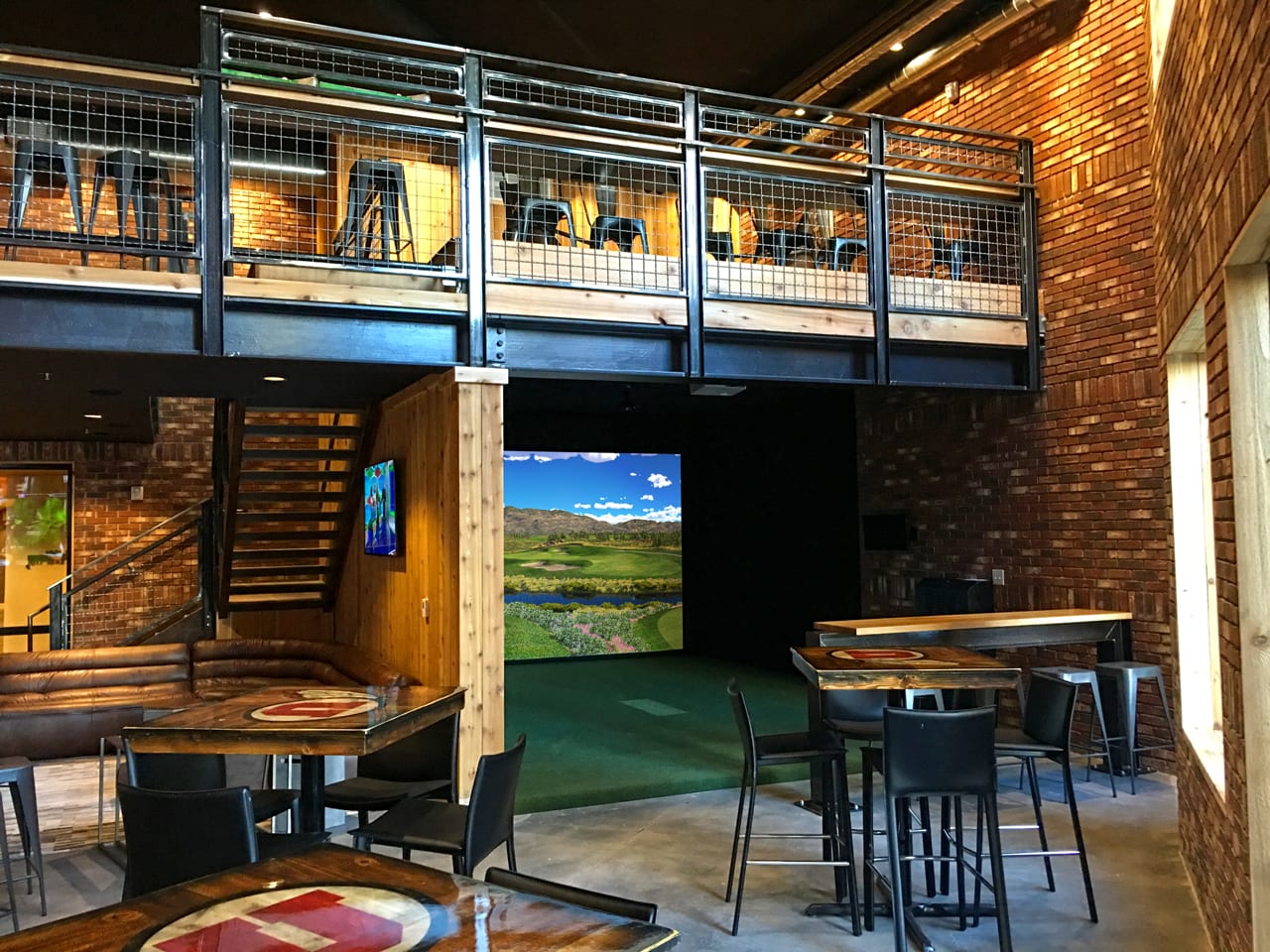
Here’s the honest version most spec sheets skip: a golf simulator fits in a room about 10 feet wide, 15 feet deep, with a 9-foot ceiling. That’s the floor, and it works, but it feels tight. The comfortable target is 12 feet wide, 18 feet deep, and a 10-foot ceiling. One of those three numbers decides most builds before the others matter, and it’s the ceiling. You can shorten a room or offset a tee later. You can’t easily raise a roof.
| Measurement | Minimum (works, tight) | Comfortable | Why it binds |
|---|---|---|---|
| Ceiling height | 9 ft | 10 ft or more | Hardest to change after the fact; a low ceiling quietly reshapes your swing |
| Room width | 10 ft (one-sided) | 12 ft, or 14 ft+ for a centered or both-handed tee | Decides whether a lefty and a righty can share the bay |
| Room depth | 15 ft | 18 to 20 ft | Behind-the-ball radar wants the deep end; photometric and overhead units fit shorter |
Ceiling height is the number that kills builds
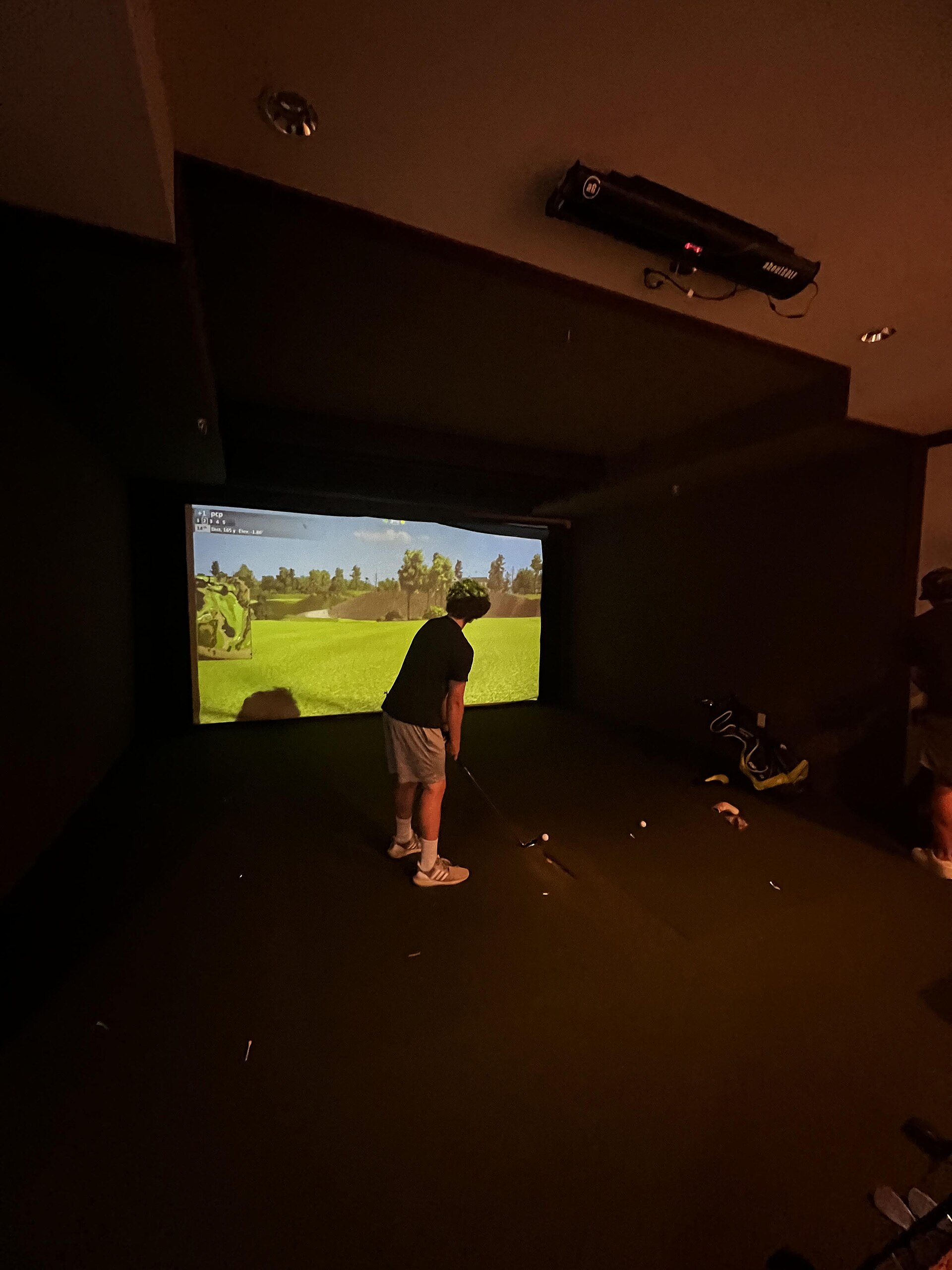
Everyone measures floor space first. The ceiling is what actually stops people. Trackman puts the practical minimum at 10 feet and warns that anything shorter makes golfers unconsciously alter their swing, which quietly corrupts the club speed and attack angle the simulator is supposed to measure. Carl’s Place is blunter: the average golfer needs 9 to 10 feet to swing indoors, otherwise you and your club will suffer.
Nine feet is the real floor, and only for shorter players with compact swings. At 8 feet you’re not building a simulator, you’re building a chipping net.
The catch is that the number is personal. It depends on your height, your arm length, the club, and how steep your swing gets at the top. A six-foot golfer with a long, upright driver swing needs more room than raw height suggests, because the clubhead travels well above your hands at the top of the backswing, and the follow-through usually reaches higher still.
So don’t trust a chart, including this one. Stand in the actual room, take your driver, and make a slow full swing from takeaway through the finish. Both Trackman and Carl’s Place recommend the same test for a reason. If you brush the ceiling, the room is too short, full stop. Better to learn that with a club in your hands than with a launch monitor already bolted to the wall.
How much depth you need depends on your launch monitor
This is the part the generic guides get wrong, and it’s the biggest variable in the whole room. Rain or Shine’s sizing guide, to pick one, doesn’t distinguish between launch monitor types at all. It should, because the type you buy can swing the depth requirement by five or six feet.
Total depth breaks into three pieces:
- 12 to 16 inches between the impact screen and the wall behind it, so the screen can give when a ball hits it instead of bouncing straight back
- 10 to 12 feet from the tee to the screen
- 7 feet behind the golfer for a full, unrestricted swing
Add those up and you land at roughly 15 feet minimum, 18 to 20 feet for comfort. But where your launch monitor sits changes that last stretch.
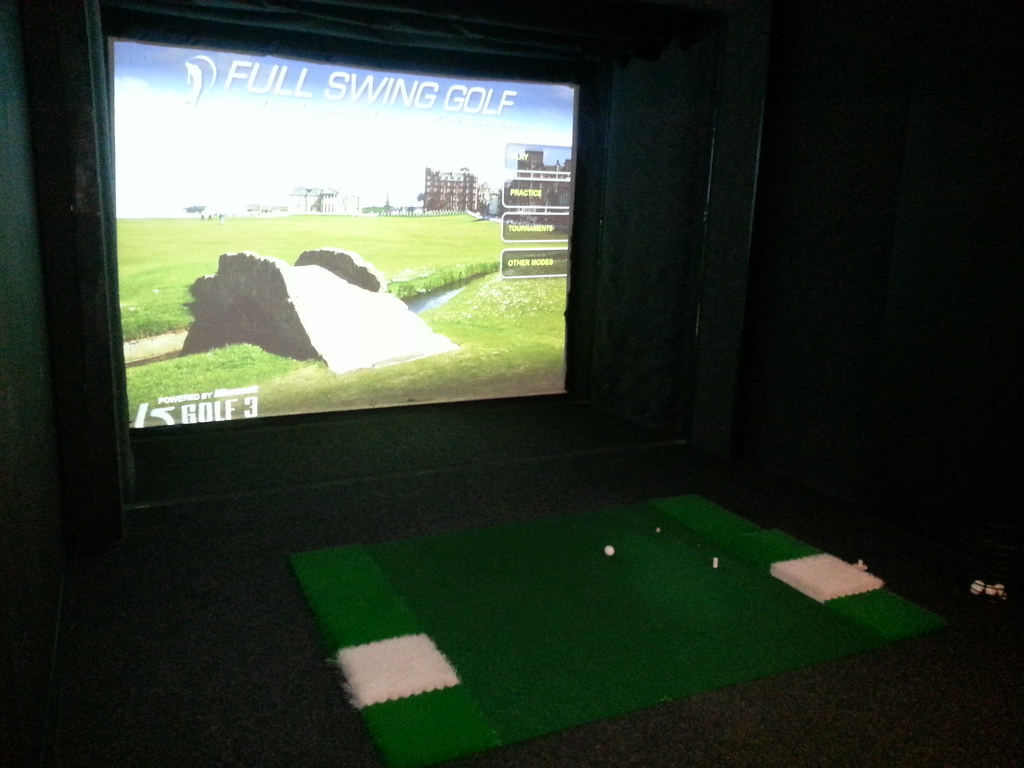
Behind-the-ball radar units read the shot as the ball travels away from you, so they sit behind the hitting position and want the deep end of the range. The Garmin R10 and FlightScope Mevo+ are radar units, and they’re happiest closer to 18 feet.
Photometric units read the ball at the moment of impact from the side, so they need far less room behind you. The SkyTrak+, Foresight GC3, and Bushnell Launch Pro all sit beside the ball and fit the shallower setups, down toward that 15-foot floor.
Overhead units change the math again. The Trackman iO mounts on the ceiling and needs only about 10 feet from screen to ball, which is why it’s the one premium option that survives a genuinely short room.
If you already know which monitor you’re buying, size the room to it. If you’re still deciding, our launch monitor comparison lays the tracking types side by side, and it’s the fastest way to see which units your space can actually hold.
Width: the left-and-right-handed question
Width is the easy one, with a single twist. A lone golfer hitting from one side needs about 10 feet, and 12 is comfortable. Trackman recommends 15 for its own systems, which is generous but not wrong.
The twist is the tee position. If you want the ball centered in the screen, or you’ll ever have both right- and left-handed players in the bay, the tee has to move to the middle, and that pushes width to 14 feet or more. A right-hander offset to one side and a left-hander offset to the other each need clearance on their trailing side, and a narrow room forces one of them into the wall.
Decide this before you frame anything. Re-centering a tee later means re-hanging the screen, moving the projector, and re-measuring every sightline.
The measure-your-space test
Before you spend a dollar, spend ten minutes with a tape measure:
- Ceiling. Floor to the lowest thing overhead, and that means the lowest joist, duct, or light fixture, not the drywall between them. Then take your driver and swing.
- Depth. Back wall to hitting wall. You need 15 feet to work and 18-plus to relax.
- Width. 10 feet for one-sided play, 14 for a centered or two-handed tee.
- Obstructions. Garage-door tracks, support posts, stair stringers, sloped ceilings. Measure to the lowest and nearest of each, because those are the numbers that actually bind.
Feed those measurements into our cost configurator and it will show you which builds and launch monitors fit your room, and what each one costs, before you commit to hardware you can’t swing under.
When the room is too small
A short or narrow room isn’t automatically a dead end. It just narrows your options.

If the ceiling is the problem, an overhead unit like the Trackman iO is built for exactly this, and trimming the tee-to-screen distance buys back a little swing room. If depth is tight, a photometric monitor beside the ball saves you the space a behind-the-ball radar would eat. If width is the issue, commit to one-handed play and offset the tee toward your lead side.
What you shouldn’t do is force a full driver swing into a space that won’t take it. You’ll either scar the ceiling, or worse, groove a flat, defensive move to avoid it, and that compensation shows up in every number the simulator records. Then it follows you to the first tee, which is the opposite of why you bought the thing.
Measure first. The room decides the build, not the other way around.