GSPro vs E6 Connect: Which Golf Sim Software Wins?
GSPro vs E6 Connect: $250/year and 2,500+ courses against TruGolf's polished, studio-built library at $300 to $600. Which golf simulator software to run.

For most home bays, GSPro is the better value: $250 a year, 2,500+ LIDAR-scanned courses, and support for 31 launch monitors. E6 Connect costs more ($300 a year for Basic, $600 for Expanded, or $1,000 to $2,500 to buy outright) and ships fewer, studio-built courses, but its visuals are polished and consistent, and it comes bundled free with many launch monitors. Buy GSPro for course variety and value. Choose or add E6 if you want licensed, consistent graphics, or you already got it in the box.
| GSPro | E6 Connect | |
|---|---|---|
| Price | $250/year | $300/yr Basic, $600/yr Expanded, or $1,000 to $2,500 once |
| Courses | 2,500+ LIDAR-scanned | 27 free with hardware, 84 on Expanded |
| Course style | Community, huge variety | Studio-built, consistent |
| Launch monitors | 31 supported | Bundled free with many units |
| Best for | Variety, value, physics | Licensed, polished visuals |
Community-scanned vs studio-built
The real difference isn’t price, it’s where the courses come from. GSPro’s library is community-built from LIDAR scans, which is how it reaches 2,500-plus courses including recreations of nearly every famous track. The tradeoff is that quality varies from stunning to rough. E6 Connect goes the other way: a smaller, studio-built library where every course is polished and consistent, licensed rather than crowd-scanned. One optimizes for how many places you can play; the other for how uniformly good each one looks.
GSPro: variety and value ($250/year)
GSPro is the default pick for most home bays, and the price is a big part of why. For a flat $250 a year you get the full 2,500-plus course library, Unity-engine 4K graphics, and support for up to 8 players across every game mode from stroke to scramble to match play. Many serious sim owners also rate its physics, how the ball spins, rolls, and reacts, as the best of the bunch. If you want the most golf for the money, this is it.

E6 Connect: polish and licensing ($300 to $600/year)
TruGolf’s E6 Connect trades variety for consistency. The Standard license is free with many launch monitors and includes 27 courses; Basic runs $300 a year, and Expanded is $600 a year for 84 total courses plus rotating new content. You can also buy editions outright for $1,000 to $2,500. Every course is studio-built, so the visuals are uniformly clean out of the box, no rough community scans in the mix. It’s the pick when you want a licensed, showcase-quality look, especially if guests will see it.
Do the graphics actually matter?
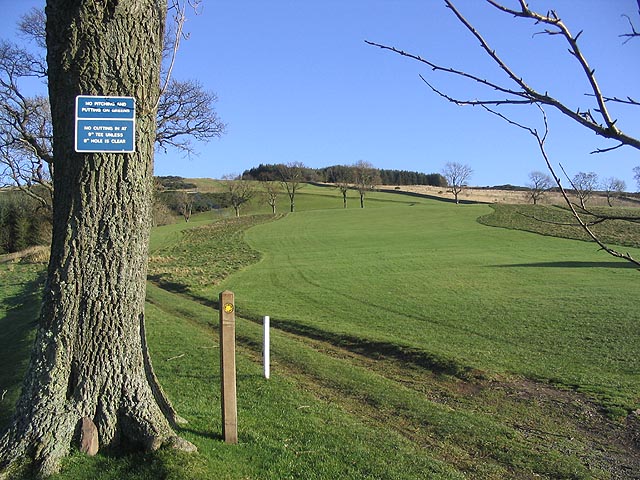
Out of the box, E6 looks more polished, with cleaner lighting and textures. GSPro’s graphics are good and have closed much of the gap, and it generally wins on physics, which is what actually shapes how your shots behave. For practice, the honest answer is that ball behavior matters more than scenery: a course that plays right teaches you more than one that merely looks right. If the bay is also a showpiece for guests, weight the visuals higher. If it’s a training tool, weight the physics.
Which launch monitors work with each?
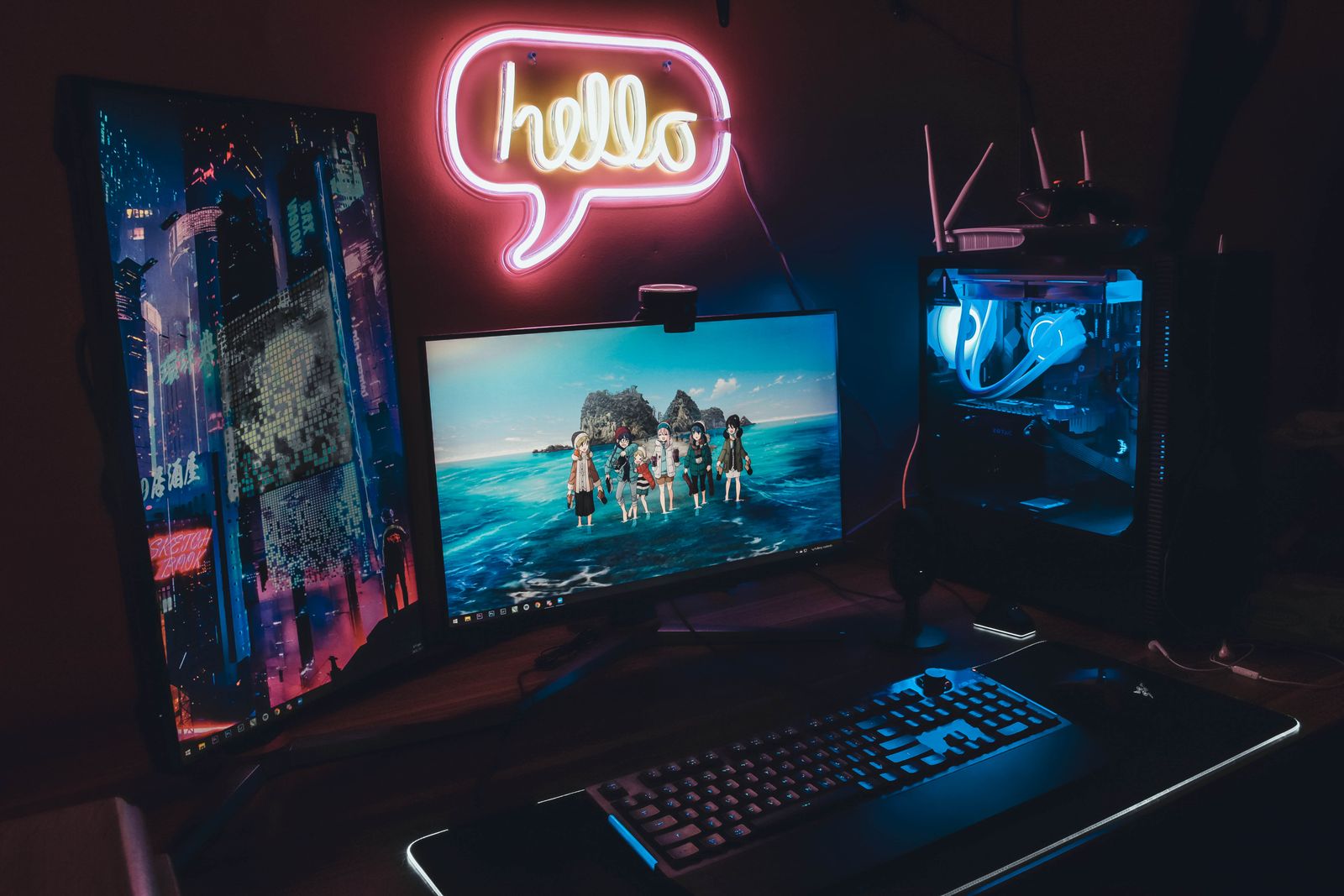
Compatibility can decide this for you. GSPro supports 31 launch monitors, including the Garmin R10 and R50, Rapsodo MLM2PRO, Foresight, FlightScope, Uneekor, ProTee VX, and Full Swing KIT. E6 Connect ships free with many units, so if your launch monitor came with an E6 Standard license, you already have a polished option at no extra cost. Check what your unit supports before you subscribe, and see the tracking side on our launch monitor comparison.
Which should you buy?
Start with GSPro. For $250 a year it gives you the most courses, strong physics, and support for nearly every launch monitor, which covers what most home golfers actually want. Reach for E6 Connect when it came free with your unit, or when you specifically want the licensed, consistent, showcase look. Plenty of serious owners end up running both, GSPro for daily practice and E6 for visitors. Compare the full software field on our components page, then price the build around your pick in the cost configurator.